
AVCHDCoder

With AVCHDCoder you can convert MKV, M2TS, Blu-ray and WMVHD files to AVCHD. Almost everything will be done for you. You can add srt or sup subtitles files. If they are in your input file or not it doesn't matter. Subs and audio will be extracted automatically. Integrated the tool with some very rare formulas to calculate the bitrate. Discs will be filled for nearly 100%. I made it almost noob proof. Based on free tools. Requires: Java, Avisynth, Ffdshow and Haali Media Splitter. (Included except Java)
Features
- Support for different kind of media: MKV, M2TS, MTS, TS, MP4, AVI, Blu-ray and most WMVHD files
- Maximum of 32 items on 1 disc. (Mixed content)
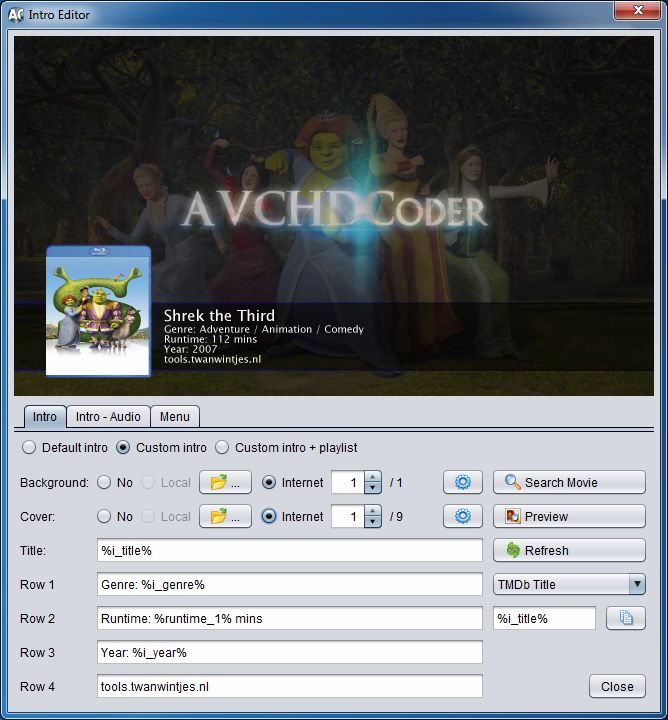
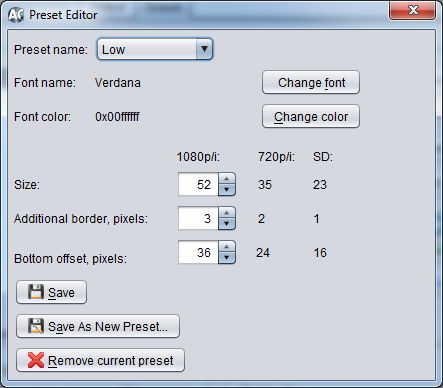
- Customize your intro video.
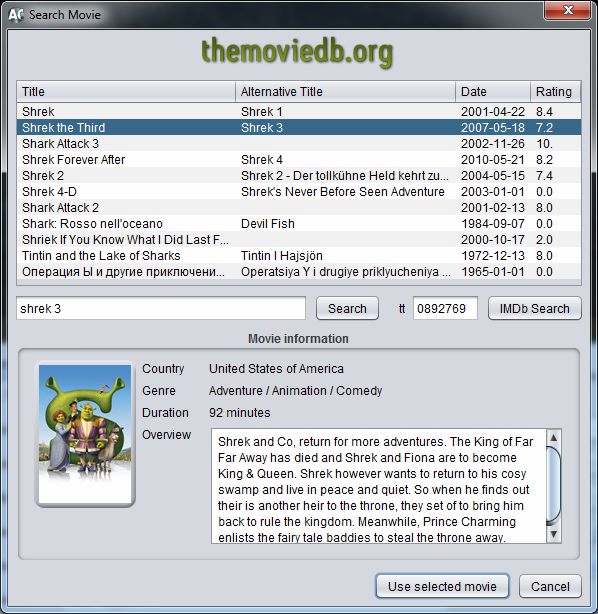
- Search for movie information on the internet and be able to use backgrounds and covers.
- Basic menu support.
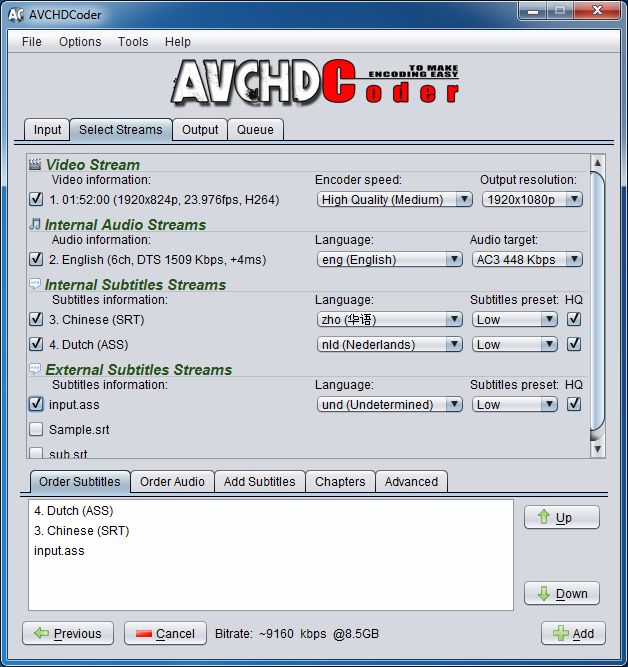
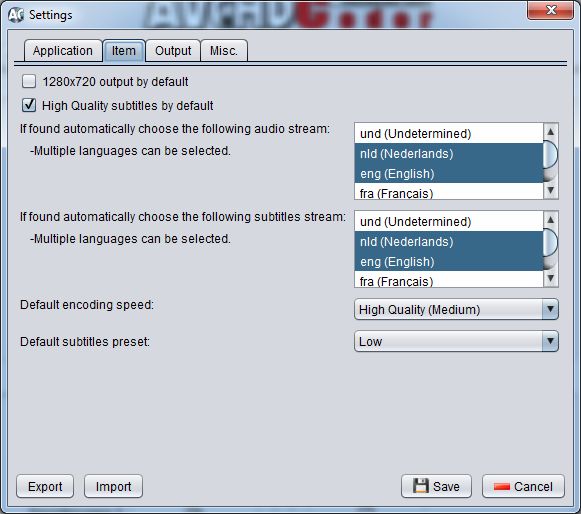
- Up to 32 subtitles streams. SRT/ASS/PGS Blu-ray support.
- Up to 3 audio streams. AC3, DTS, DTS-ES, DTS-HD HR, DTS-HD MA, True-HD, LPCM, WMA9, WMA10 Pro, AAC, FLAC, MP2, MP3, Vorbis/OGG support.
- Chapter support
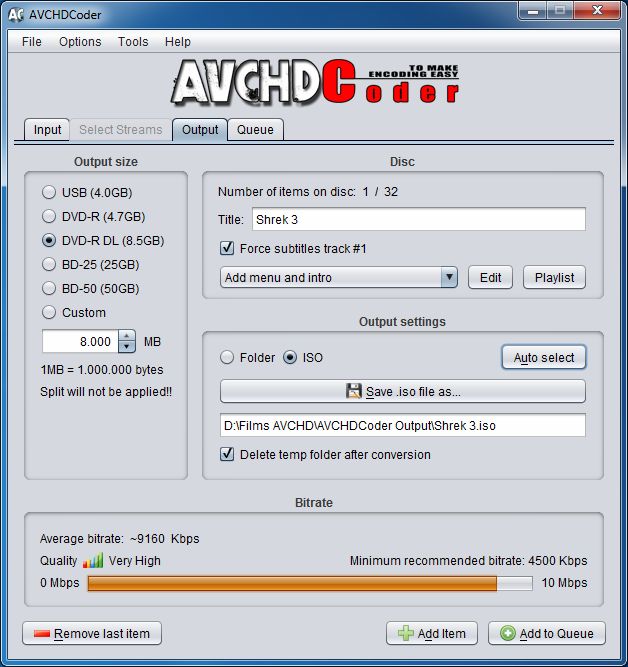
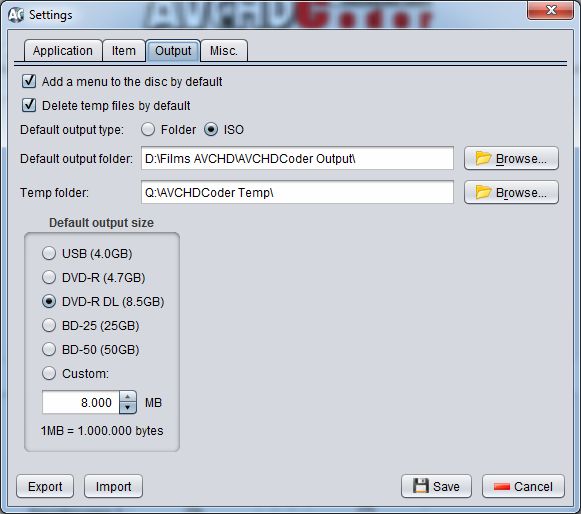
- Wide range of output sizes: DVD5, DVD9, BD25, BD50, USB 4GB and custom output size.
- Integration of AVCHDCalculator to calculate the bitrate very accurate. So you are sure the discs are not oversized or to much undersized. (Unique calculator, first in the world)
- .iso or folder output.
- Video downscaling.
- Audio conversion.
- Normal and High Quality subtitle conversion.
- Borders will automatically be added to the video if necessary. Aspect ratio will be kept at all time.
- No need to configure the x264 video encoder. There are 3 build in profiles that can't be edited.
- Native 64 bit encoding.
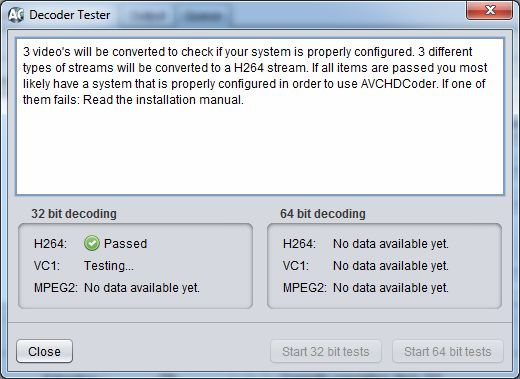
- Decoder Tester to check if all required decoders are working properly.
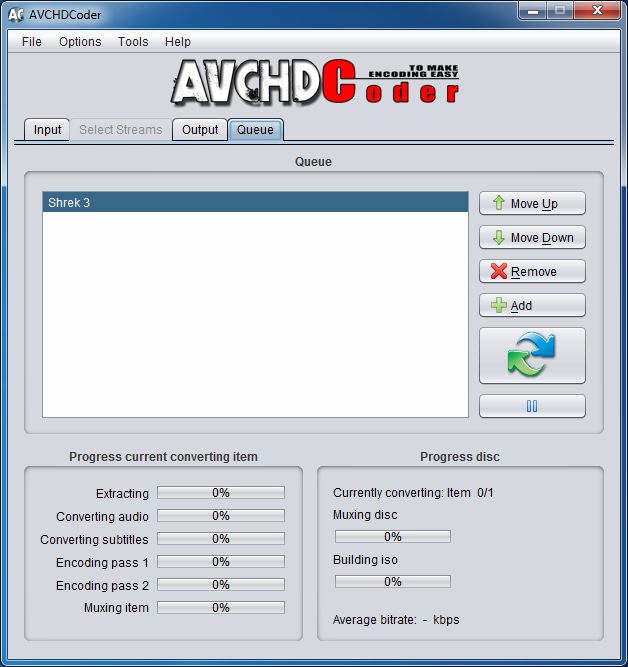
- Save and open projects (jobs).
- Video remux mode for H264, VC-1 and MPEG2
Some features are explained here: Features explained and if you want to know if your blu-ray disc player supports AVCHD take a look at the supported players or download the Test disc.
Registered version
AVCHDCoder also has a registered version that unlocks some extra features. More information about the registered version.
Downloads
AVCHDCoder 14.08.08 Setup.exe (94,2MB)
AVCHDCoder 14.08.08 Setup.exe (94,2MB) (Videohelp)
AVCHD test disc: AVCHDCoder - Big Buck Bunny - Elephants Dream (AVCHD).torrent (1.26GB) - more info
Beta 15.12.27:
AVCHDCoder 15.12.27 Setup.exe (77,7 MB)
Possible issues with the new version:
- Error while converting UHD video input file. Possible LAV Filter problem.
What is changed or updated in the latest version can be found in the changelog
An application without bugs is impossible so any known bugs will be listed in the Known Bugs/Problems
Additional Software
LAV Filters - Latest version (videohelp.com)
LAV Filters - 0.65
Win7DSFilterTweaker - Latest version (videohelp.com)
Guides
Installation Guide (761KB) - English
Installation Guide (763KB) - Nederlands
Getting started (1,55MB) - English
All guides are available from AVCHDCoder under help (PDF reader required)
Linux version?
Currently it is not possible to run AVCHDCoder under linux but I am working on it: AVCHDCoder for Linux. But I need to know how many will use it. So I opened the following poll:
List of applications AVCHDCoder uses
I am packing AVCHDCoder as a MSI Windows Installer
AVCHCoder uses lots of application. They are all free and most are Command Line. You don't have to download them manually. The are present in the installation folder. This is a list of applications that are used:
- X264
- TsMuxeR
- Ssatosrt
- Mkvtoolnix
- MediaInfo
- ImgBurn
- Eac3to
- Ac3filter
- AVCHDCalculator
- Process
- Oggdec
- Faad
You need to install the following applications in order to use AVCHDCoder:
- AviSynth (Delivered with AVCHDCoder)
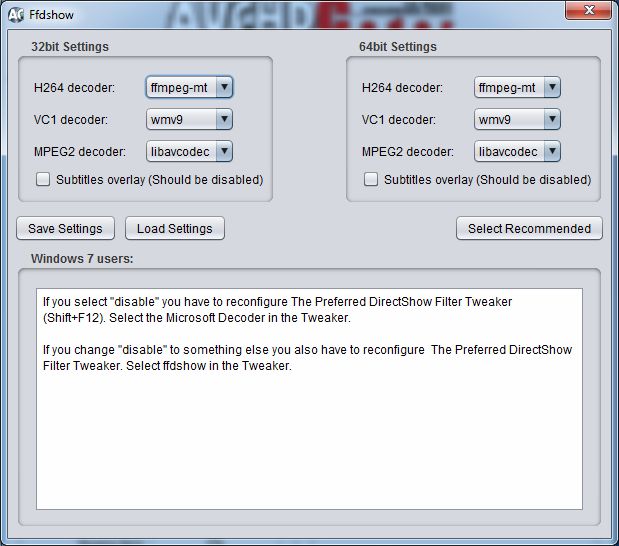
- ffdshow (Delivered with AVCHDCoder)
- Haali Media Splitter (Delivered with AVCHDCoder)
- dbPowerAmp (Licenced Copy necessary if you want to use the WMVHD function)
- Java
- .Net framework 2.0
System requirements
Minimum System Requirements
- Intel Core 2 Duo E6400 (2.13GHz) or higher / AMD Athlon 4400+ (2.3GHz) or higher
- Microsoft Windows XP SP2 or later
- 1GB RAM
- Lots of hard disk space depending on your destination settings
- Screen resolution of at least 1024x768
- NTFS formatted hard disk drive
Recommended System Requirements
- Intel Core 2 Quad Q8200 (2.33GHz) or higher / AMD Phenom X4 9650 (2.3GHz) or higher
- Microsoft Windows Vista SP1+ or Windows 7
- 2GB RAM
- Lots of hard disk space depending on your destination settings
- Screen resolution of at least 1024x768
- NTFS formatted hard disk drive
There are no real Minimum System Requirements. You can run it on a Pentium 4 but it will be slow. It can also be slow on laptops because they are slower then desktop computers. If you run it on a laptop be aware that your laptop can get very hot because encoding is a very intensive process.
Screenshots and samples
AVCHDCoder 10.08.08
13 images


A sample of an introvideo:
Previous page: Installation for Windows
Next page: Changelog